
Invoice details and requirements – instructions for creating an invoice
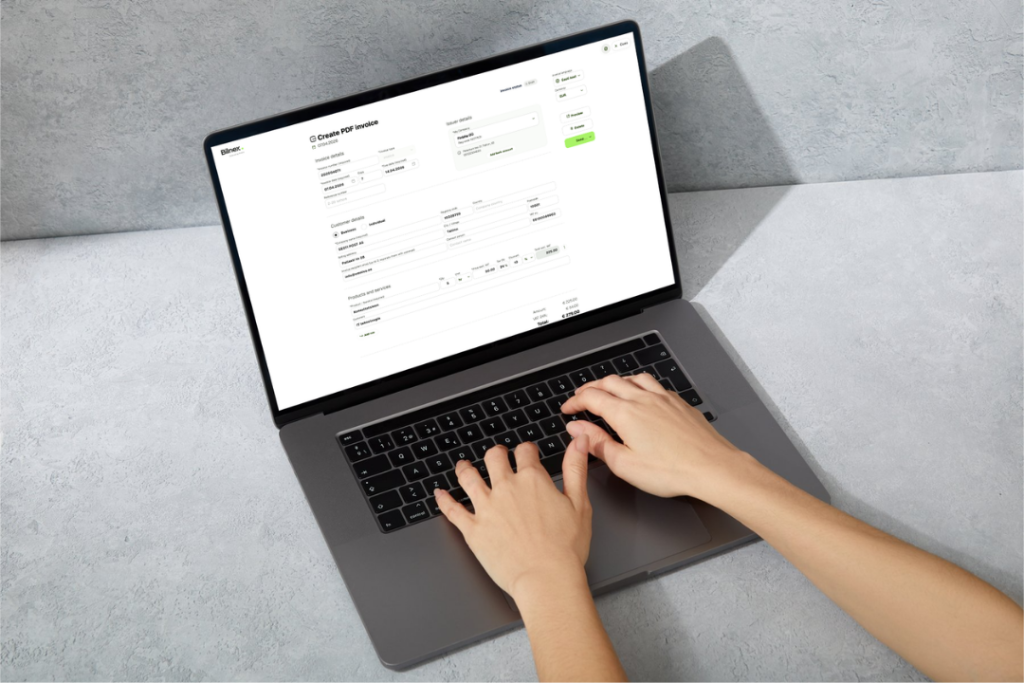
Invoicing is the part of the workday that involves getting the money you earn into your account. It seems simple until the client tells you that the accountant can't accept the document because the required invoice details are missing.
Specific data fields have been set up so that the issued sales invoice would be legally correct original document and payments would be received without any problems. Bilnexi automatically checks for the presence of mandatory data for you, but here is a quick overview of the most important requirements so you can be sure.
Buyer and seller details: Who invoices whom?
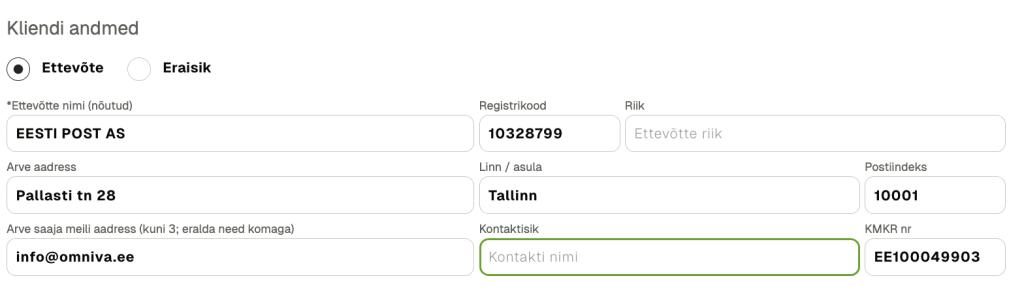
The first rule is clarity: the invoice must state who provided the service and who pays for it. Accordingly Accounting Act The document must contain the names and addresses of the parties.
- Seller: Your company name, registry code and address.
- Buyer (company): If the customer is a legal entity, enter their name, registration number and address. If your customer is a VAT registered customer, the invoice must also include their VAT registration number.
- Buyer (private individual): You can also send a PDF sales invoice to a private individual from the Bilnex environment. To do this, enter the buyer's name, personal identification number, address, and contact e-mail address where you want to send the invoice.
Bilnex's tip: In Bilnex, just enter the company name or registry code and official details from the Commercial Register and they will automatically appear on the invoice. You don't have to type the address yourself and the data is always correct. If a company has registered as an e-invoice recipient, you can automatically choose in the Bilnex environment whether to submit an e-invoice or a PDF to them.
Invoice number and dates: How to identify the document?
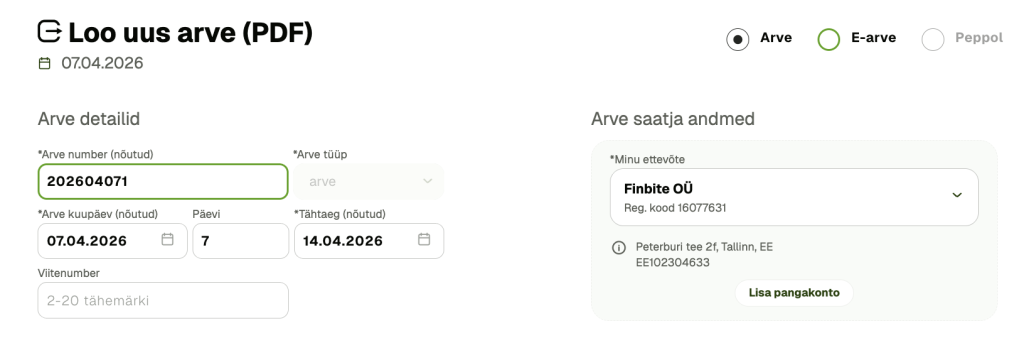
Each invoice must be unique and traceable over time.
- Document name and number: The invoice must state that it is an invoice and must have an invoice number.
- Dates: Indicate the date of the invoice. The date of the transaction may also be included on the invoice if it is different from the time the service was provided or the goods were sold.
- Issuance deadline: As a VAT payer, you must issue an invoice. Within 7 calendar days from the date of dispatch of the goods or provision of the service. In certain cases, the sales invoice may be submitted in the following calendar month. By the 15th.
Transaction content, figures, units and discount
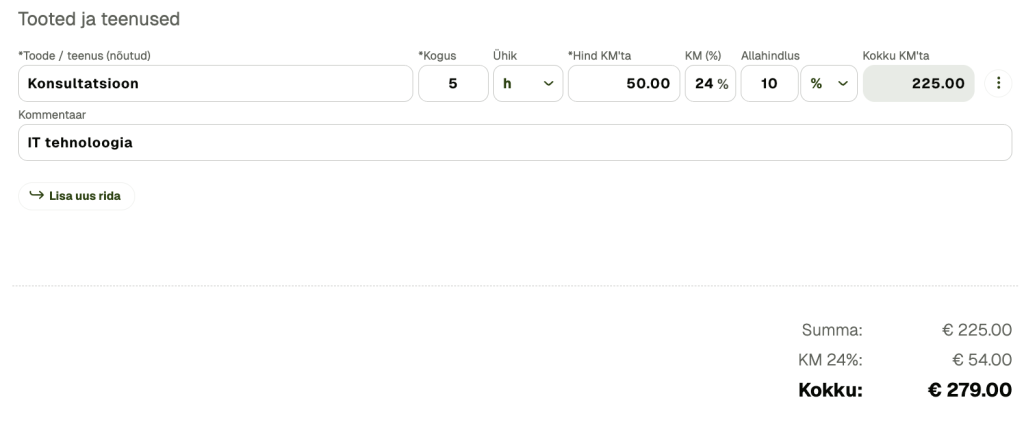
The invoice must express as precisely and specifically as possible what the money is for.
- Content description: Describe the product or service specifically.
- Figures: Enter the quantity of the goods or service, the unit price, and the amount.
- Benefits: If you apply a discount, it must be separately stated on the invoice.
If you are a VAT registered seller, then VAT Act On this basis, the following should be added to the invoice:
- the amount excluding VAT, i.e. the taxable amount;
- VAT;
- the amount of VAT payable.
Bilnex's tip: Forget about the calculator and rounding errors. Just enter the quantity and unit price (and, if necessary, the discount in percentage or euros) and Bilnex will automatically calculate the final amount of the line, VAT and the total amount due for the invoice in a fraction of a second. This way, your invoice will always be mathematically correct.
VAT and amounts as of 2026
In addition to the Accounting Act, the submission of invoices is regulated by VAT Act. From As of 01.07.2025, the standard VAT rate in Estonia is 24%. In addition, at the beginning of 2025, the rates for accommodation services (now 13%) and journalism (now 9%) changed.
Payment information, due date and reference number
To ensure that the money reaches your account quickly, include clear payment instructions on the invoice.
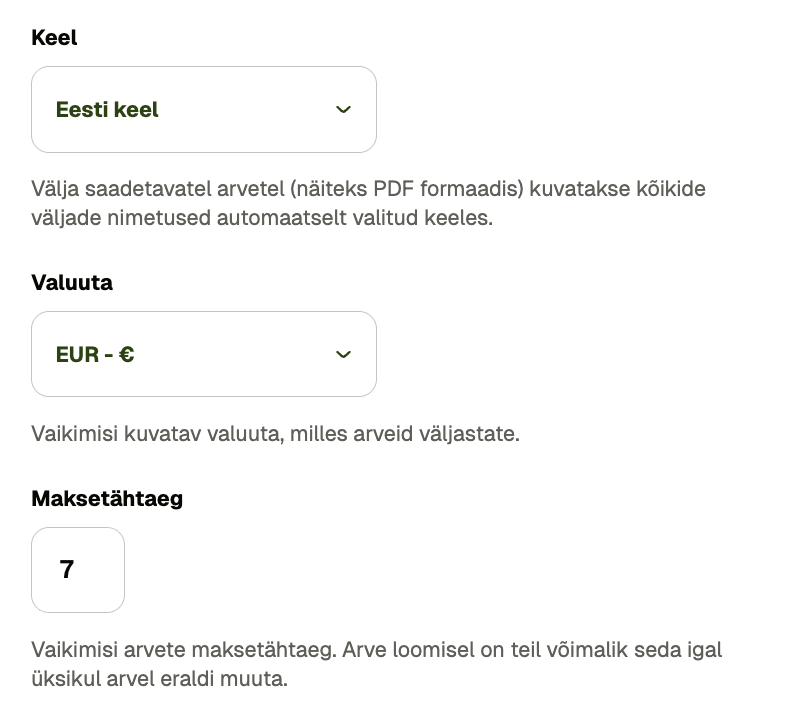
- Payment term: In Estonia, this is usually indicated as a date (a common range is 7–21 days).
- Payment information: Add your bank account number (IBAN) and preferably your contact information (email, phone) so that the client's accountant can contact you if they have any questions.
- Reference number: Helps automatically identify receipts.
- Delay: If you want to charge interest for late payments, it is a good idea to have this rate previously reflected on the invoice.
Submit invoices from Bilnex!
Invoicing doesn't have to be complicated or legally burdensome. Every minute spent checking data is time you could be spending on your core business.
Bilnex is designed so that you don't have to worry - the system automatically places the data in the correct cells and does the calculations for you. This way, your invoices are correct, your accountant is happy, and the money you earn reaches your account faster! Read more about why you should choose the Bilnex invoice generator and stop using inconvenient invoice forms >>